
A translation and review workflow
The following workflow separates decisions that are easy to confuse: preparing a draft, approving individual segments, checking the document, and delivering a file.
Quick steps
Prepare the files and project resources, translate a first draft, and review it in separate passes. Before delivery, clear temporary filters, check the remaining work, run QA and spellcheck, and open the exported file.
Prepare the job
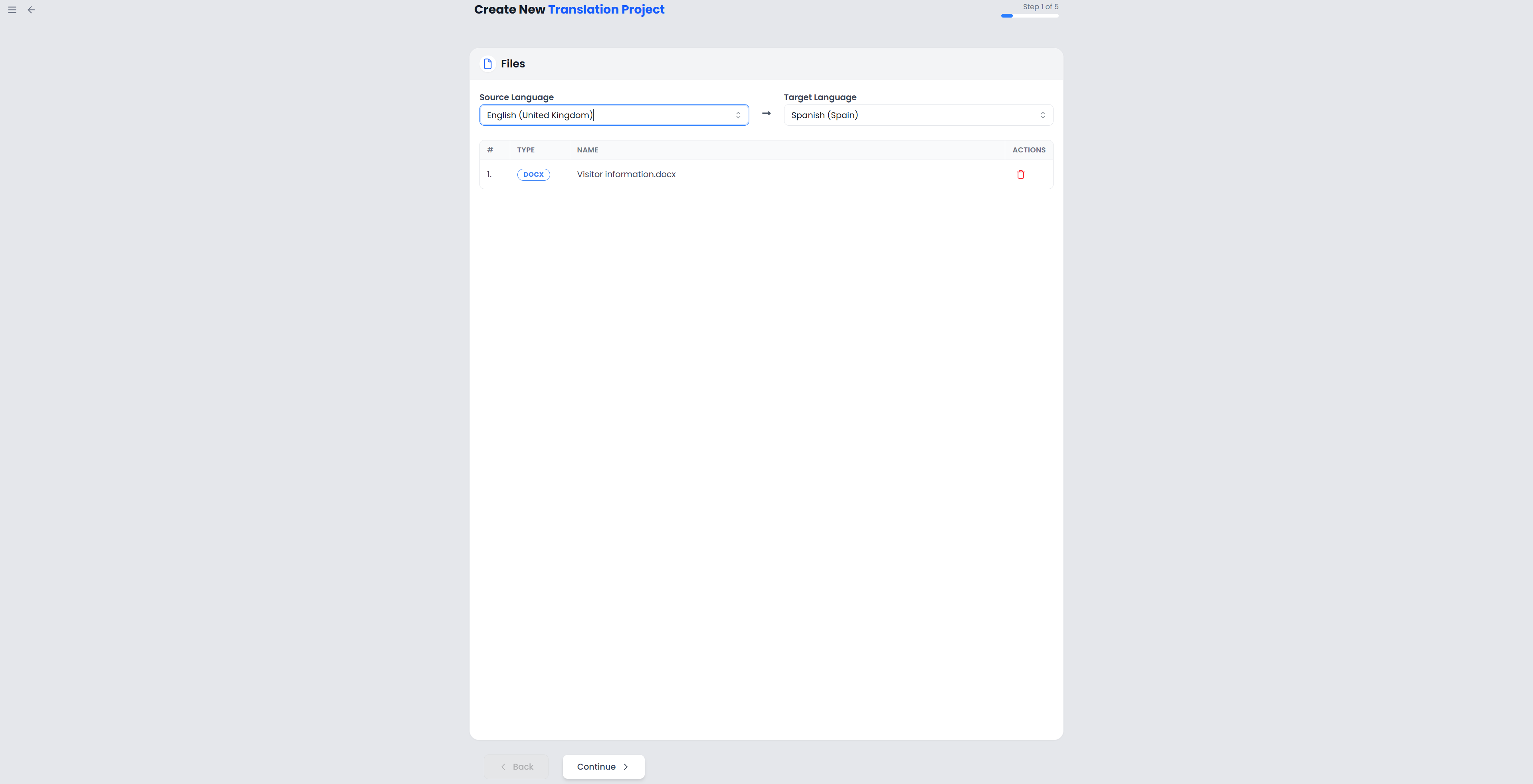
Read the brief and identify the source and target language varieties. Check which files must be translated, which content must stay unchanged, and what format the client expects back.
Create a project, attach suitable memories and glossaries, and record the brief under Instructions. Check extraction choices before processing documents with hidden text, highlighted exclusions, or complex publishing content.
Produce a first draft
Choose your starting point: manual translation, memory pretranslation, AI translation, or a mixture. Pretranslation is useful when a job resembles earlier work; its result still needs review.
Work in small, meaningful groups. Read neighboring segments, check resource suggestions, and keep tags with their corresponding text. Confirm only work you have actually approved. If identical source sentences recur, check the later repetitions after confirmation propagates the target.
Review in separate passes
A single read is rarely the best way to catch every kind of problem. Use focused passes:
| Pass | What to do |
|---|---|
| Meaning | Compare source and target for omissions, additions, ambiguity, and incorrect relationships. |
| Terminology | Check key concepts against the glossary and the client's usage. |
| Consistency | Use concordance, repetition filters, and find and replace to inspect repeated wording. |
| Mechanics | Run QA and spelling checks; investigate numbers, punctuation, whitespace, and tag issues. |
| Readability | Read the target naturally, using reading mode if useful. |
| Delivery | Open the exported document to inspect layout and content outside the editor. |
Use comments to record decisions or questions. Enable tracked changes when you need to inspect revisions. Review and changes explains how these differ from an AI change preview.
Finish and deliver
Clear temporary filters to see all segments in the open file or View. Check for unconfirmed segments, missing tags, unresolved questions, and changes requiring a decision. The finish action checks segment completion; it does not certify the wording or layout.
Export the format requested by the client. A translated document, bilingual file, and TMX memory file serve different purposes. Open the downloaded deliverable before sending it.
Preserve reusable work
Confirmed translation units build your memories. Add useful terminology to the appropriate glossary, with examples where context matters. Keep a backup of local work and synchronize projects explicitly when moving between local and cloud copies.