
Preview tab
Preview shows the document beside the segment table. Use it to read surrounding paragraphs and headings while editing, or click mapped text to jump to its segment.
Check the exported file for final layout
The preview is a reading and navigation aid. Open the exported deliverable in its normal application when you need to check the final layout and delivery result.
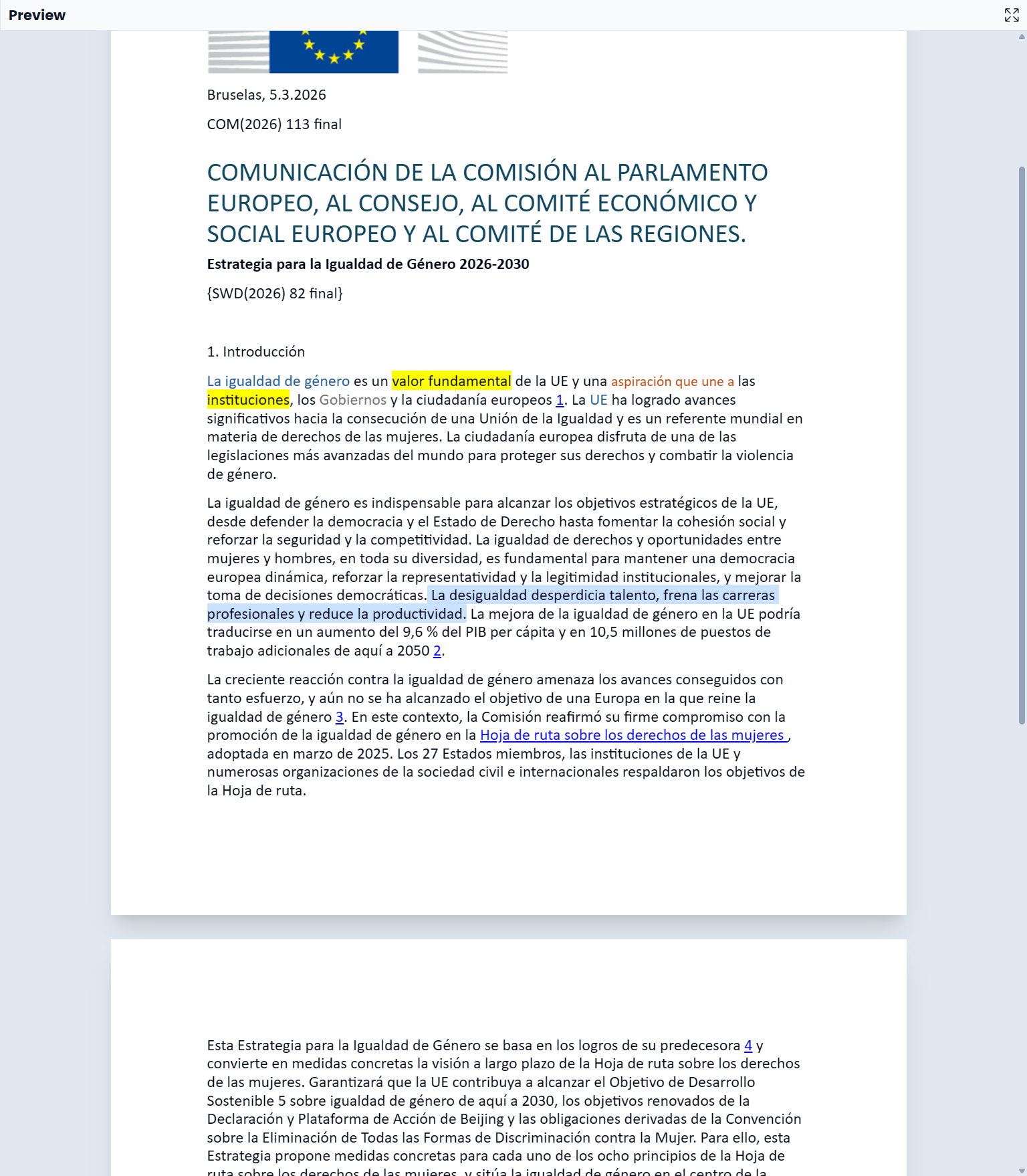
Read the preview and jump to a segment
- Open a file and select Preview.
- Wait for the content to load.
- Select a segment in the editor and use the preview to inspect its context.
- Click mapped text in the preview to select its corresponding segment in the editor.
- Make the wording change in the editor, then inspect it in context.
Only content that has a corresponding editable segment can navigate back to a segment. Decorative content or an unmapped part of the document may not select an editor row. Internal document links can navigate within the preview instead.
Give the preview more room
Drag the main panel divider or expand the panel for a reading pass. Use the preview's detached-window action when you want the document on another screen. The detached view has a return-to-editor control; keep the main workspace open while using it.
Why a preview is unavailable
Preview is available for Office documents and text formats including HTML, Markdown, CSV, and XML. It needs the original document information. An imported bilingual file may lack that information, so its segments can be editable even when no document preview is available.
If the preview fails to load, read the message and use Retry if offered. You can continue editing in the segment table. Check the exported file separately to see the final document.
Check the exported document
A preview helps find awkward headings or disconnected phrasing during work. Before delivery, export the translation, open the output, and check layout, tables, page breaks, and other format-sensitive details there.