
Concordance
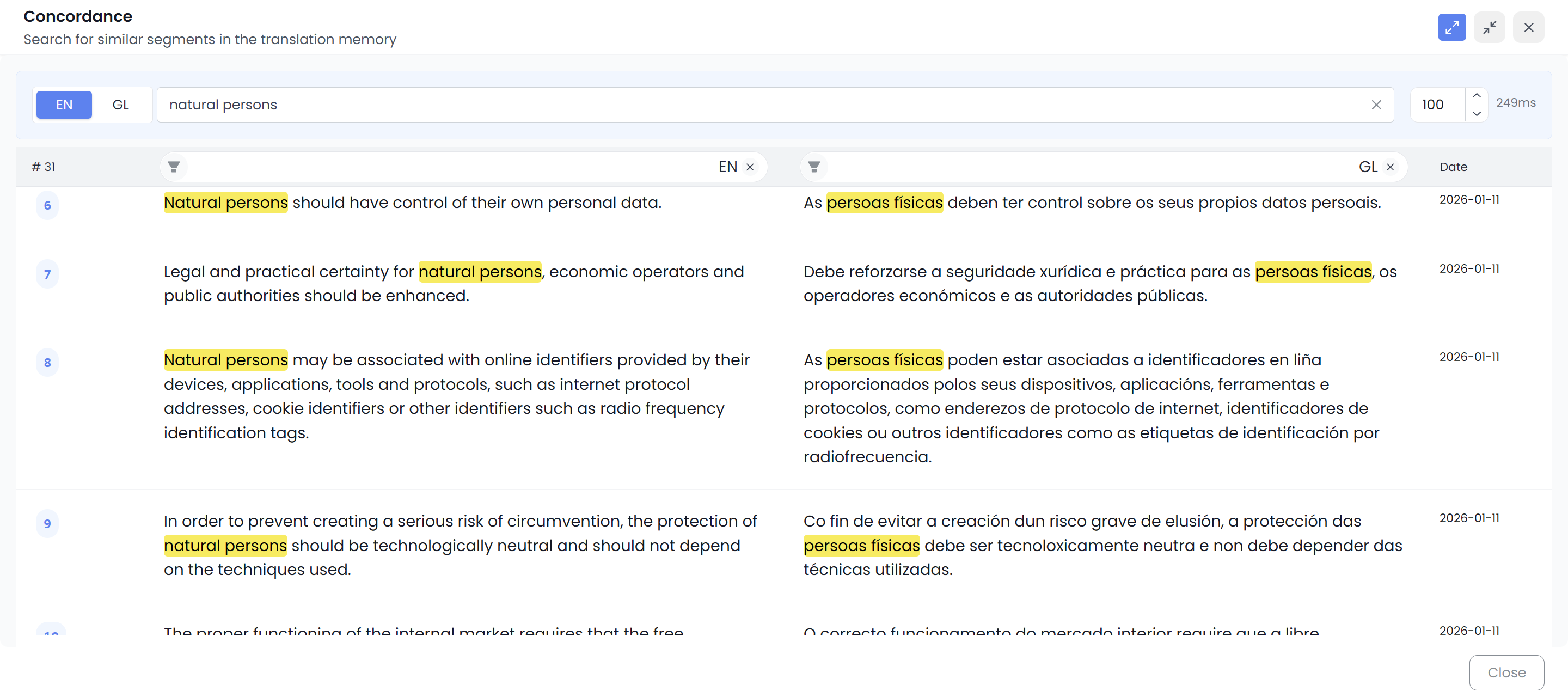
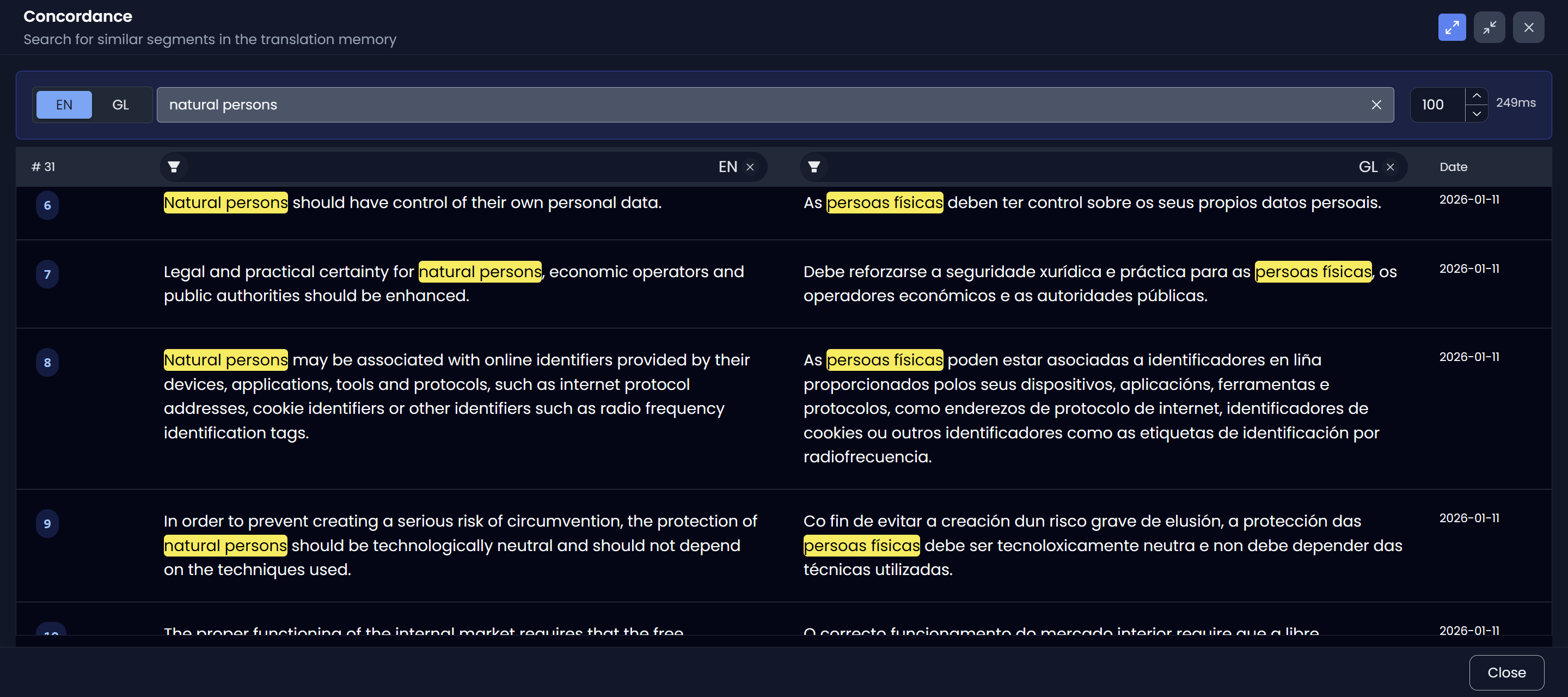
In CAT tools, concordance means searching for a term in your translation memory (TM) database to see how it was used and translated in real segments.
It’s one of the fastest ways to check consistency and terminology without guessing.
How concordance works in Searchspeare
- Select some text in the source editor or the target editor.
- Run Concordance
 .
. - Searchspeare queries your translation memories and shows matching examples.
Source vs target selection
Concordance searches by language based on where your selection comes from:
- If you selected text in the source editor, Searchspeare searches the source language in the TM.
- If you selected text in the target editor, Searchspeare searches the target language in the TM.
Finding the corresponding term
When there is enough information in the TM matches, Searchspeare will try to identify the corresponding term in the other language (the aligned source/target counterpart). This can help you quickly confirm “what did we translate this as?” even when the segment contains more than just the term.
When to use it
- Verify terminology (“do we translate this consistently?”)
- Check preferred phrasing from past work
- Spot patterns (collocations, fixed expressions, formatting)
- Avoid re-creating translations you already have in your TM