
How AI uses your text and instructions
AI actions use text and instructions supplied by the current workspace. This information is called context. It can include segments, project instructions, glossary terms, AI rules, and chat attachments. The information included depends on the action.
Key points
AI actions use the text and instructions supplied by their current workspace. Check the selected segments and chat attachments. Local project storage does not prevent an online AI action from sending the included text to its selected service.
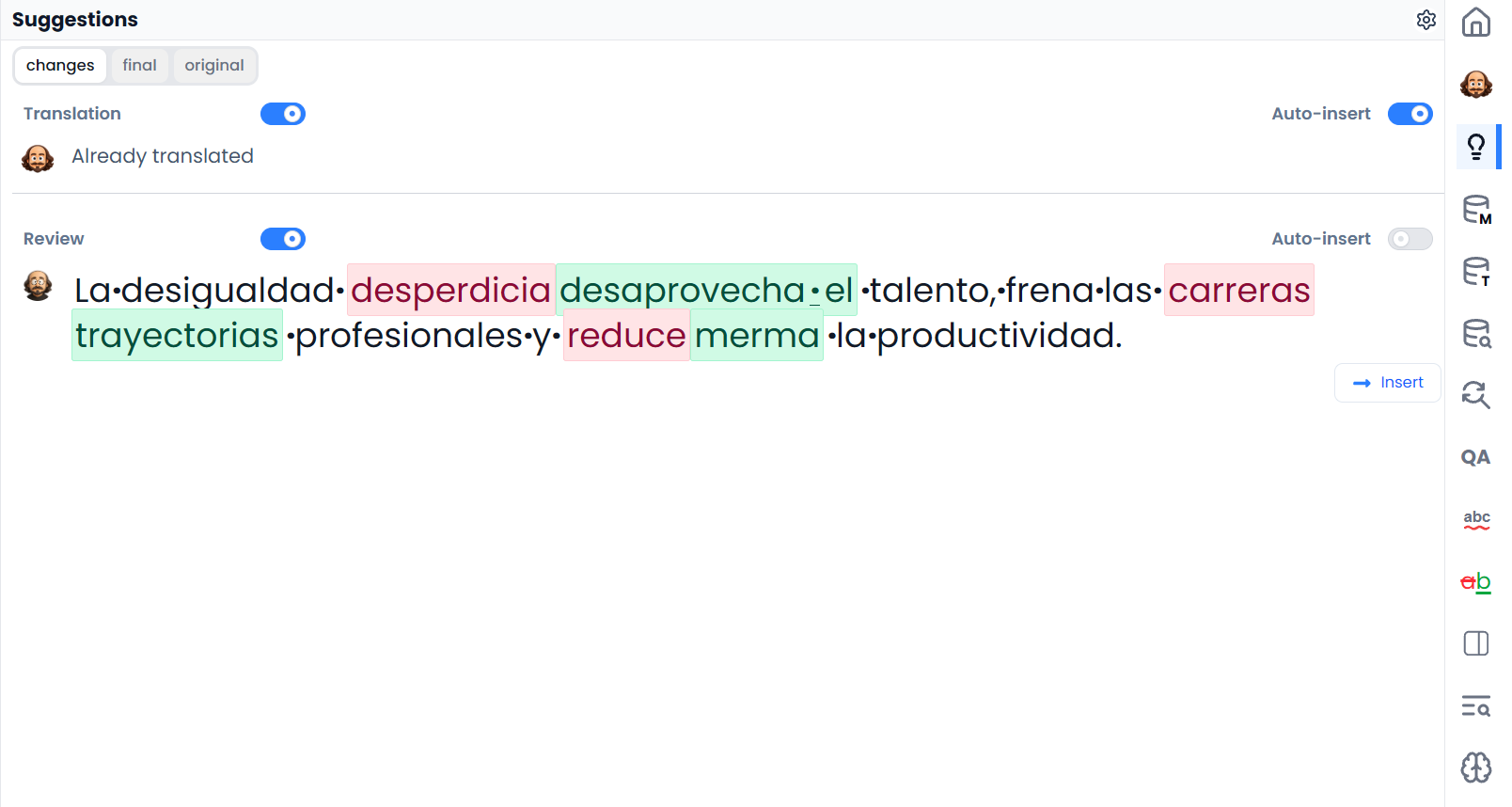
Choose translation, review, filtering, or chat
A translation action asks for target text. A review action evaluates existing text. A filter request identifies segments. A chat question can ask for an explanation without changing the document.
Choose the action that matches your intent. Asking for a filter when you expect a rewrite, or asking a broad question when you need a specific correction, makes the result harder to assess.
Include the text and instructions the action needs
Depending on the action, available context includes the source and target languages, selected segments, nearby content, project instructions, terminology, matching enabled AI rules, and attachments you explicitly include.
Not every action includes every kind of material. Check the context controls in chat, and do not assume that a document mentioned in a message has been attached or read.
For example, “Is this label correct in the diagram?” needs the relevant image or a clear description of it. “Is this term consistent with my glossary?” needs the appropriate glossary attached to the project.
Check which segments the action uses
Selecting segment rows and highlighting words serve different purposes. A translation command may use selected rows, while a synonym command uses the highlighted phrase. Some actions use filtered rows; others include rows hidden by filters. Check Selecting segments and batch actions for the command you are using.
If an answer concerns the wrong passage, check which segments or words you selected and what the chat attachments include.
Check proposed translations and edits
An AI result can be fluent while misunderstanding a reference, changing a number, omitting a qualification, or choosing an unsuitable technical term. Use the change preview and compare the result with the source before applying edits.
Compare a translation with its source and check explanations against the supplied text. If the source is ambiguous, record a question for the client before choosing a translation.
Local storage and online AI
Local project storage means the project is saved on that device or browser installation. Running an online AI action can still send the relevant content to the selected service. A configured local model follows a different execution choice.
Use AI assistance to choose the action and Storage to understand where your work is kept.
Improve instructions for future requests
Give a clear task, inspect the available context, run it on a suitable selection, compare the result, and apply only what you approve. If the same requirement recurs, improve the glossary, brief, or AI rule so the next request starts with clearer guidance.