
Adaptive Learning tab
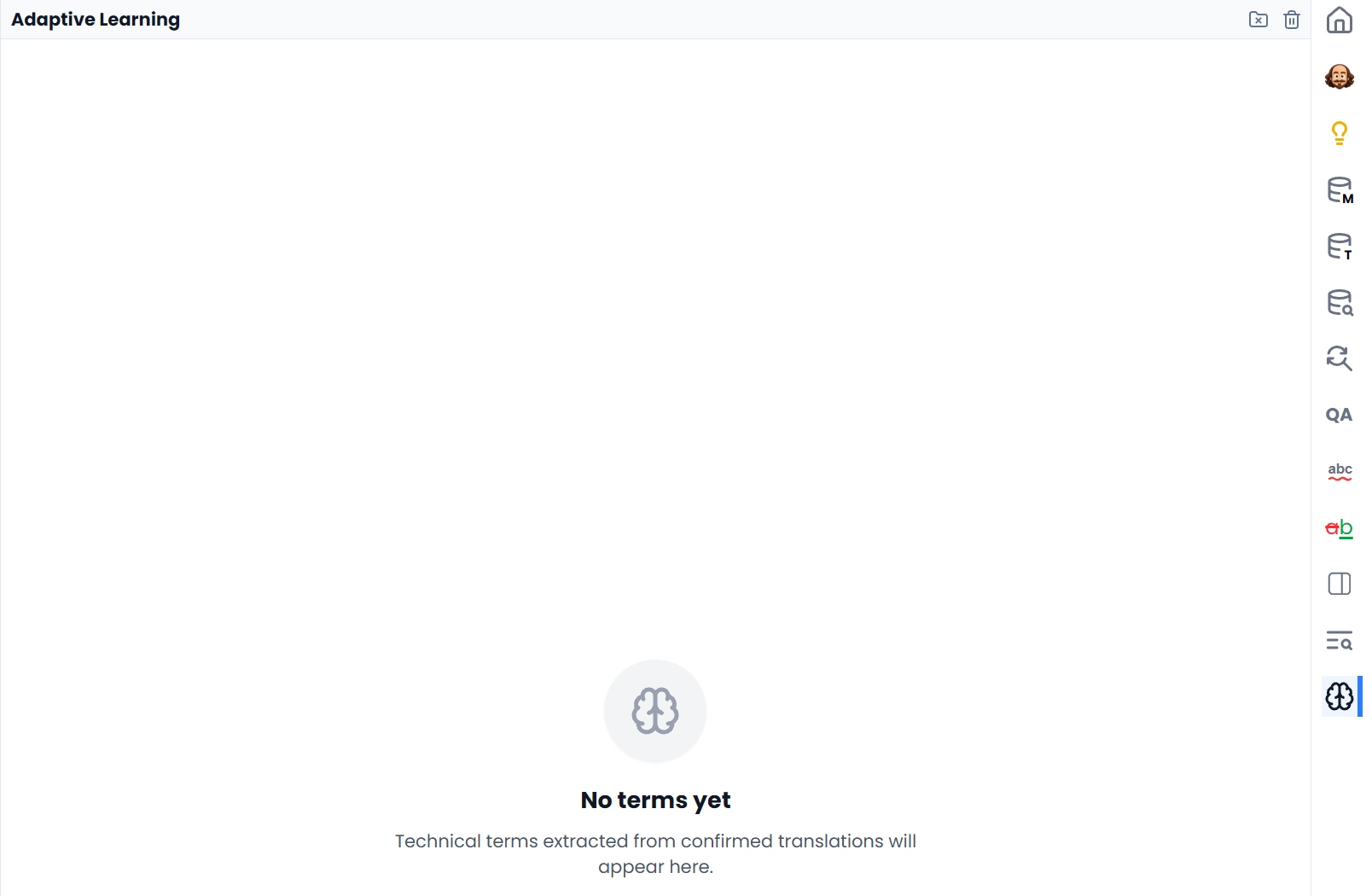
Adaptive Learning displays technical source–target term pairs extracted from confirmed translations. It gives you a record to inspect as the project develops, including a count for each stored pair.
These extracted pairs are distinct from the glossary entries shown in Term Matches. Inspecting a pair here does not approve it, insert it into a sentence, or add it to an attached glossary.
How term pairs are learned
When eligible bilingual segments are newly confirmed, Searchspeare can extract technical term pairs in the background and record them for the project. Not every confirmation produces an entry: extraction requires suitable source and target content and a successful result.
Learned pairs may not appear immediately
Because this work happens in the background, confirming a segment does not guarantee that a new pair will appear immediately. No terms yet means no extracted pairs are available for the current project; it does not mean that the project has no attached glossary.
Read and sort the table
The table shows Source term, Target term, and #. It initially prioritizes higher recorded counts. Use the column headings to sort by source wording, target wording, or count when investigating the list.
Read an extracted pair as a candidate learned from the confirmed material. If the underlying translation was unsuitable, confirmation alone does not make the extracted terminology correct.
Click a pair to investigate it
- Open Adaptive Learning in the project editor.
- Choose a source–target pair.
- Inspect the editor rows shown by the resulting filters.
- Check whether that pair is appropriate in the displayed sentences.
- Clear or adjust the filters before continuing with unrelated segments.
Clicking a pair sets both source and target filters. The filters use literal whole-word matching and require both sides to match. This is useful for inspecting where the pair is used together. It is not a missing-translation search: rows using the source with a different target may be excluded by the target filter.
To investigate alternative translations, keep the source filter and change or clear the target filter. See Filtering for combining and clearing conditions.
Add a learned pair to a glossary
If a pair should become part of your reusable terminology, create or update a glossary entry through the term tools. Include useful context and the intended matching behavior. Do not assume the extraction list has already updated the glossary.
For recurring source expressions that you want to investigate before confirming translations, use File Index.
Delete learned pairs
The header has two actions with different scopes:
- Delete this project's terms permanently removes the Adaptive Learning terms extracted for the current project.
- Delete all terms permanently removes Adaptive Learning terms from all your projects.
Read the confirmation carefully, especially for the all-projects action. These controls manage the extracted-term records; they are not a way to clear the translation targets or delete attached glossary entries.
If the list cannot load, use Try again. A loading error is different from an empty extraction history.