Getting started
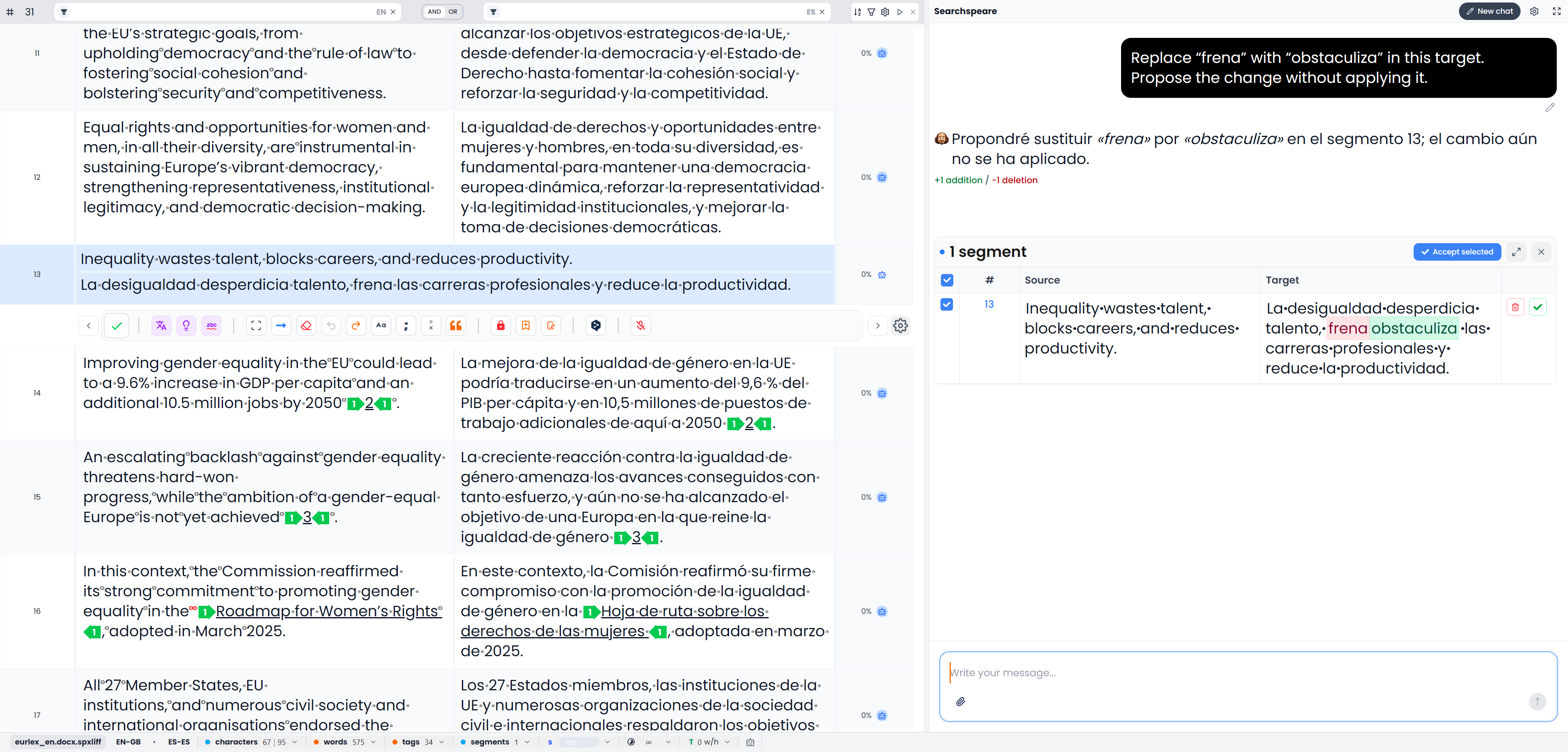
Searchspeare organizes translation and review jobs into projects. Each project contains the files you are working on, job details, and the applicable resources, such as translation memories and glossaries.
Quick steps
- Set your working languages in Settings → Preferences.
- Create a Translation or Review project and add its files.
- Edit and confirm segments, run the checks you need, then export the result.
Projects, segments, and translation resources
| Concept | What it means | Example |
|---|---|---|
| Project | One job with files, languages, resources, and instructions | A product manual translated from English into Portuguese |
| Source | The original text | “Disconnect the power supply.” |
| Target | The translation you write or the text you revise | Your Portuguese translation of that instruction |
| Segment | A piece of text you can work on independently; often a sentence, heading, or short label | One warning inside a longer paragraph |
| Translation unit | The source and target belonging together in one row | The warning and its translation |
| Translation memory, or TM | A collection of source and target pairs you can reuse | Approved sentences from an earlier manual |
| Glossary, or termbase | A collection of terms and their equivalents | A product component name and its approved translation |
| Tag | A marker for formatting, protected content, or document structure | The opening and closing markers around a bold product name |
| QA | Quality assurance checks that flag possible problems | A missing number or a missing required tag |
A memory supplies previous source–target pairs; a glossary records terminology for specific concepts. Use the previous translation or term only after checking its meaning in the current context. Concepts and terms explains these resources, match scores, confirmation, locks, Views, and the other terms used in the app.
Choose the kind of job
Use Projects → Translation when you need to create a translation. Searchspeare shows the source and target so you can work between them.
Use Projects → Review when the task is revision. A bilingual file keeps the original and translation together. A supported single-language document opens as a text review, with the document text ready to revise. See Review projects before choosing files.
Set up your working languages
Open Settings → Preferences and set your working languages. Choose the appropriate regional variety when available, such as the variety your client expects. These preferences make language selection more useful; they do not translate your files by themselves.
When creating a project, verify the source and target languages even if Searchspeare detects them. Reversing the direction makes the resources and suggestions unsuitable for the job.
Saving, confirming, and finishing mean different things
Editing changes the working text. Searchspeare saves edits as you work, including when you leave the editor. Watch for any save error before closing the app. Where that work is stored depends on your storage settings.
Confirming records that you have approved a segment and adds the translation to the attached project memories. A target must contain text. For a bilingual job, attach a memory before confirming; Searchspeare otherwise asks you to add one.
Confirming can also propagate the translation to later segments with exactly the same source content in the open file or View. Review repeated sentences for context, particularly if identical wording can have different meanings in different places.
Finishing is a project action. It checks whether the relevant unlocked segments are confirmed. It is not a substitute for QA, checking layout, or downloading the deliverable.
Exporting downloads a file. Choose a translated document for delivery, a bilingual file for continued translation or review, or a memory export for reuse. Files and export explains the choices.
Try a small first job
- Choose a short file with familiar content.
- Create a translation project and attach a new memory.
- Translate and confirm several segments.
- Try a memory suggestion and a glossary term.
- Run QA and investigate the results.
- Export the translation and open it in the application normally used to read that format.
Follow Your first project for the detailed steps.