
Quotations
A quotation records the work you are offering, the client, the analyzed word count, and the proposed price. Use Business → New Quotation to prepare one and Business → Quotations to find saved quotations.
Quick steps
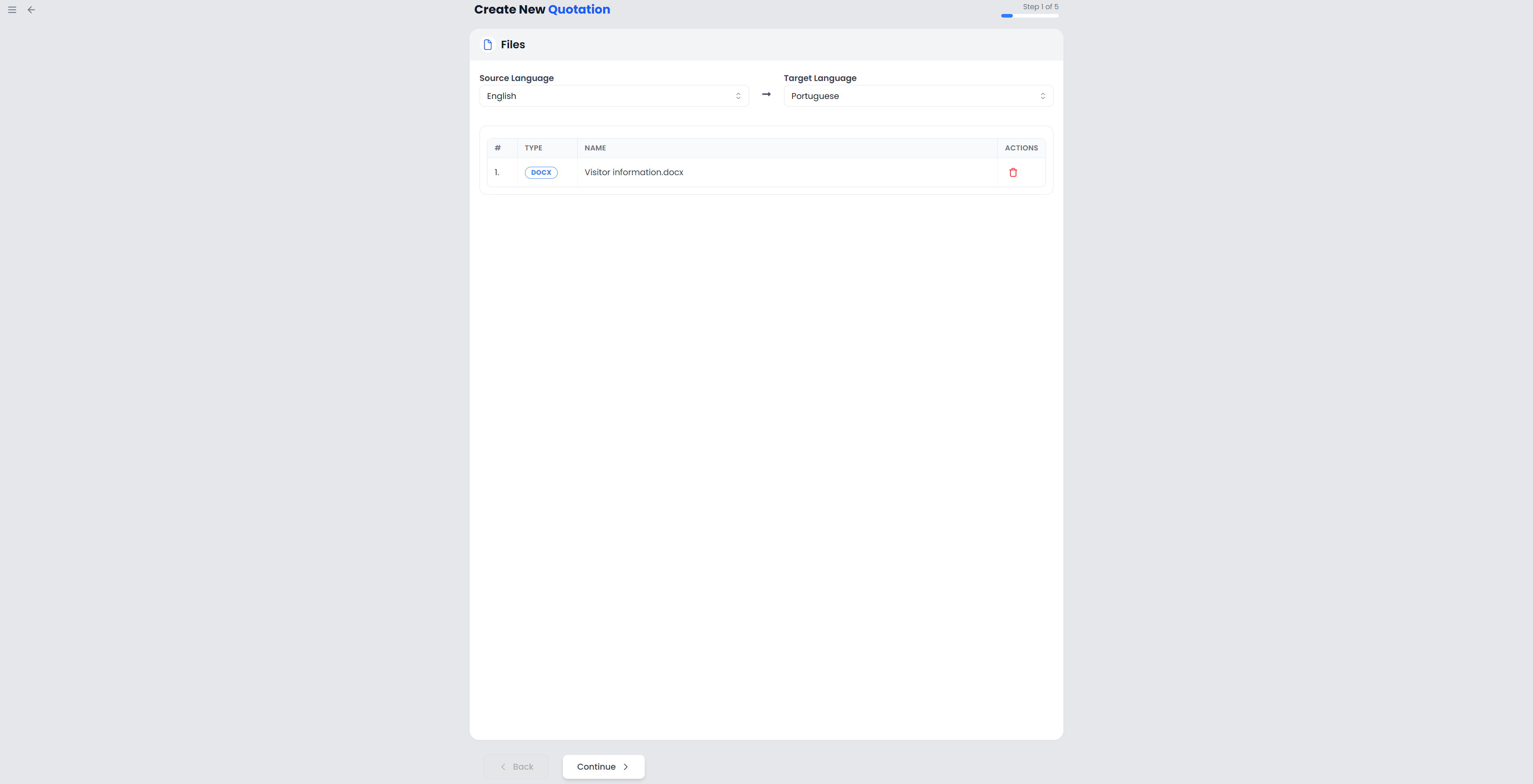
Open Business → New Quotation, add the files and job details, choose memories and pricing, then save the draft. Review and export the offer, send it to the client yourself, and record its status afterward.
Creating a quotation saves a Draft. You can review its document, download it, deliver it to the client, and then record the response.
Quotation guides
| What you need to do | Guide |
|---|---|
| Add files and complete all five setup steps | Create a quotation |
| Understand repetitions, memory matches, weights, and the final price | Analysis and pricing |
| Find quotations, select several, and record their status | Manage quotations and statuses |
| Download DOCX, print or save PDF, change wording, and add images | Export and document appearance |
| Quote work that already has a project or correct a saved offer | Quotations and translation projects |
How a quotation relates to a project
The wizard uses Project Name for the job being quoted. This does not mean it imports an existing project. New Quotation starts with a fresh setup and asks you to add files; it does not turn selected projects into a quotation.
The saved document contains copies of the job, file, client, and seller information captured when you create it. Changing the original client or a separate project later does not rewrite those saved details.
Marking a quotation Accepted records a response. It does not create or start a translation project. See Quotations and translation projects for the next steps.
Prepare the required information
Before starting, have the source files, source and target languages, client record, intended currency, and pricing agreement ready. Complete Settings → Your Details with the seller information used on the document. The current creation check requires your name, VAT number, street address, city, and country.
Select relevant translation memories if the quotation should account for saved translations. A memory-match percentage describes reuse; the weight you assign to that category determines its contribution to the quoted price.
For the financial charts associated with quotations, see Statistics: Finances.