
The Translation Table
The Translation Table is the main “grid” view of your project: each row is a segment (translation unit), with source and target editors side-by-side.
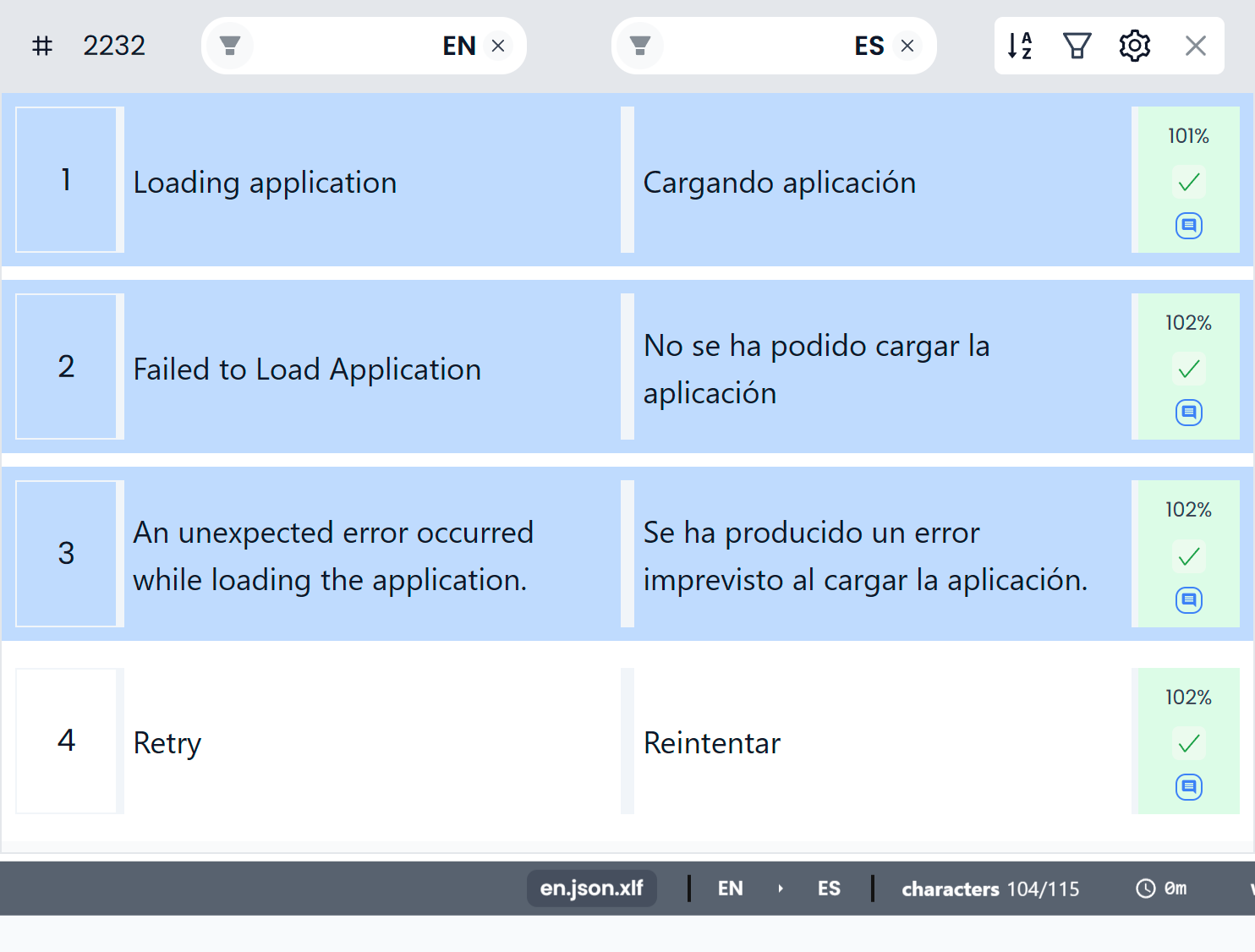
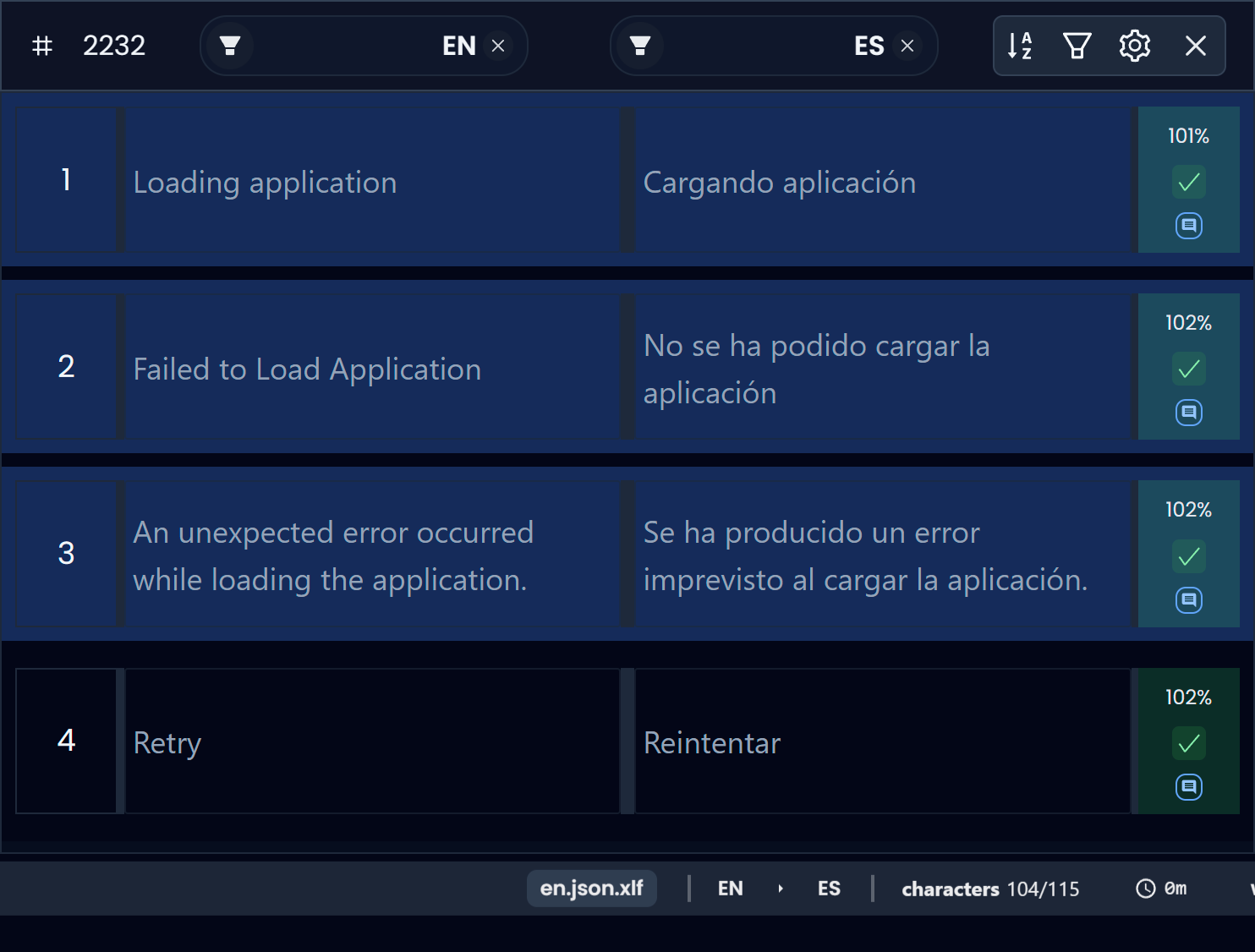
Select multiple segments (like a file manager)
Multi-select works like you’d expect in most file systems:
- Select one segment: click any segment row.
- Select a range: click a starting segment, then hold
Shiftand click the destination segment.- Everything between those two segments becomes selected.
- Add/remove individual segments: hold
Ctrland click segments to extend (or toggle) your selection.
This matters because many actions can apply to the active segment or all selected segments (for example, tools in the segments toolbar).
Re-center the active segment (Escape)
If you scroll away from the currently selected segment and want to “snap back” to where you’re working, press Escape.
Searchspeare will scroll the Translation Table so the active segment is centered again.
Tip: when you’re editing, you can jump between the source and target editors with Tab — see Powerful editor.