
Regex
Regular expressions (regex) are a compact way to describe text patterns.
In Searchspeare, regex is especially useful in:
- Filtering (to show only segments that match a pattern)
- Find & Replace (to fix a pattern across the segments you’re currently working on)
If you’ve ever wanted to find “all segments that contain a number” or “double spaces” or “strings that start with NOTE:”, regex is the tool.
Searchspeare’s regex editor (syntax highlighting)
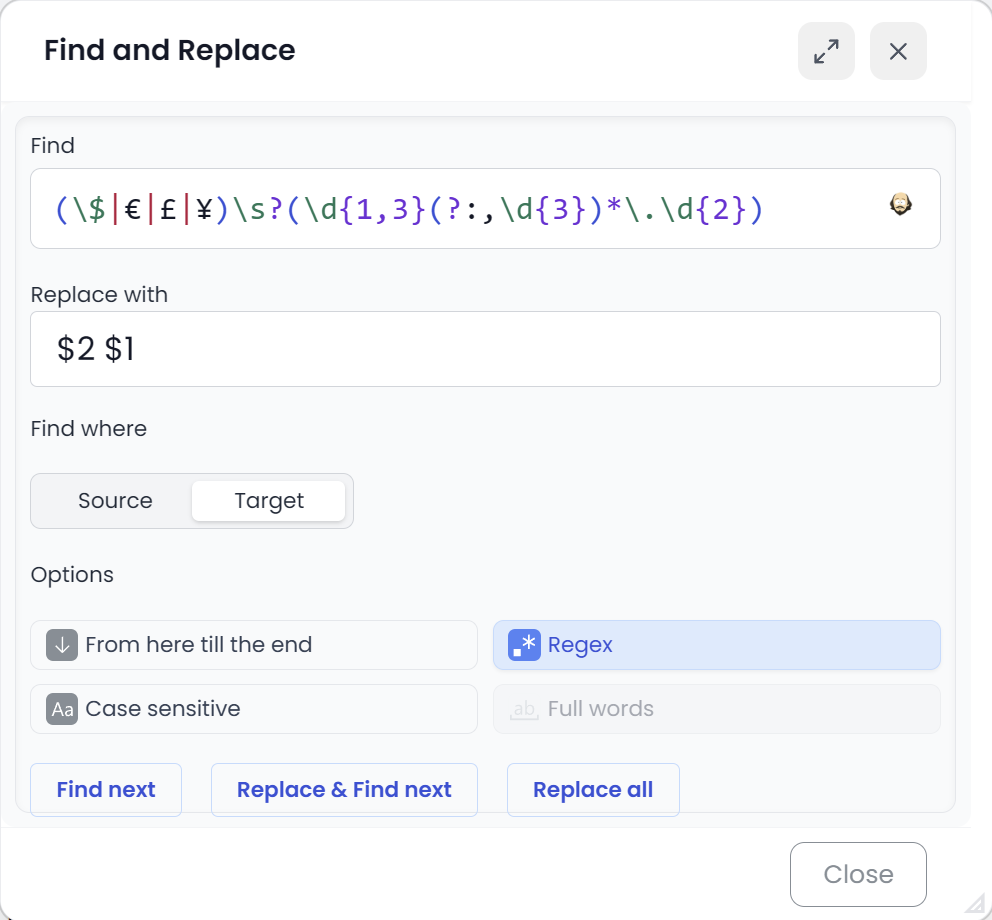
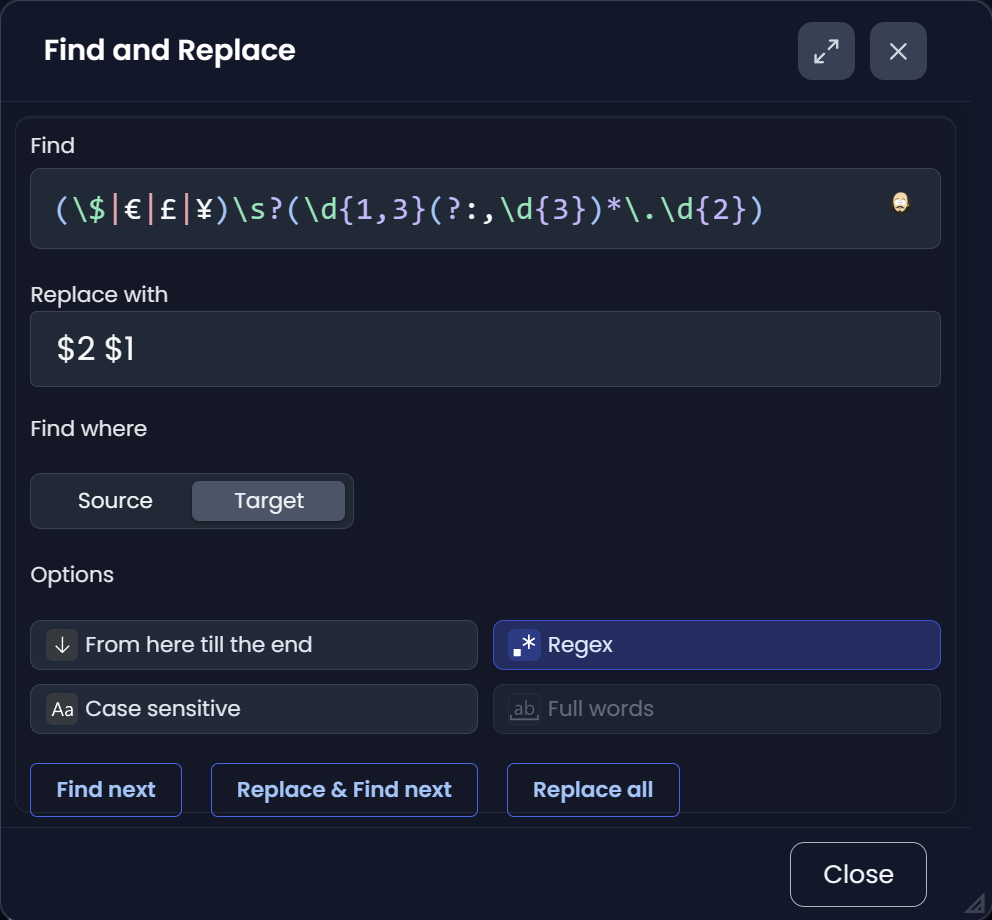
Searchspeare includes a dedicated regex editor with syntax highlighting.
That matters because regex is easy to mistype: one missing bracket or one extra ? can change what matches. With highlighting, the structure of your expression is much easier to read at a glance.
A practical workflow (fast and safe)
- Start simple (match the “core” pattern first).
- Use Find next to sanity-check what it matches.
- Only then make it stricter (anchors, word boundaries, optional parts).
- For bulk changes, rely on preview/undo (see: Find & Replace).
Don’t want to write regex? Use the regex assistant
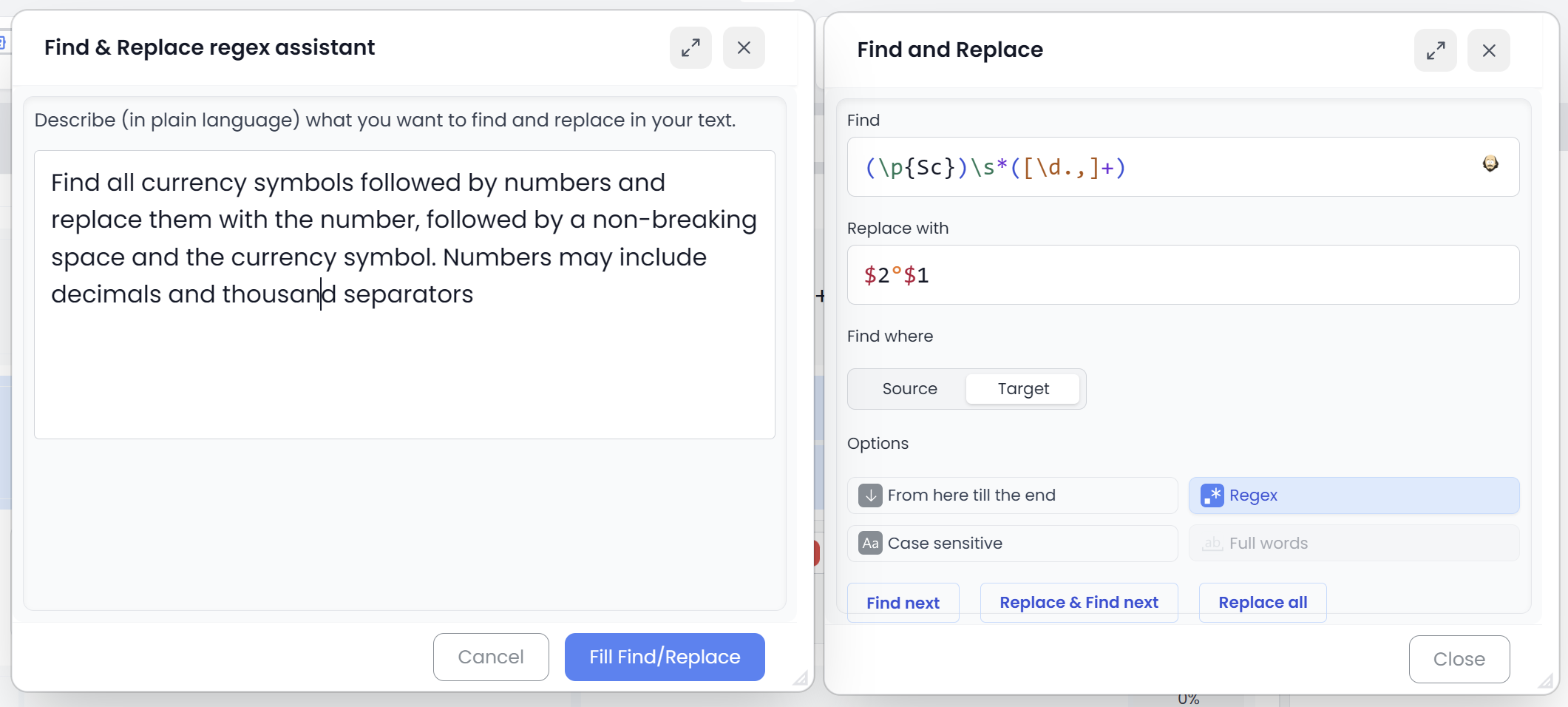
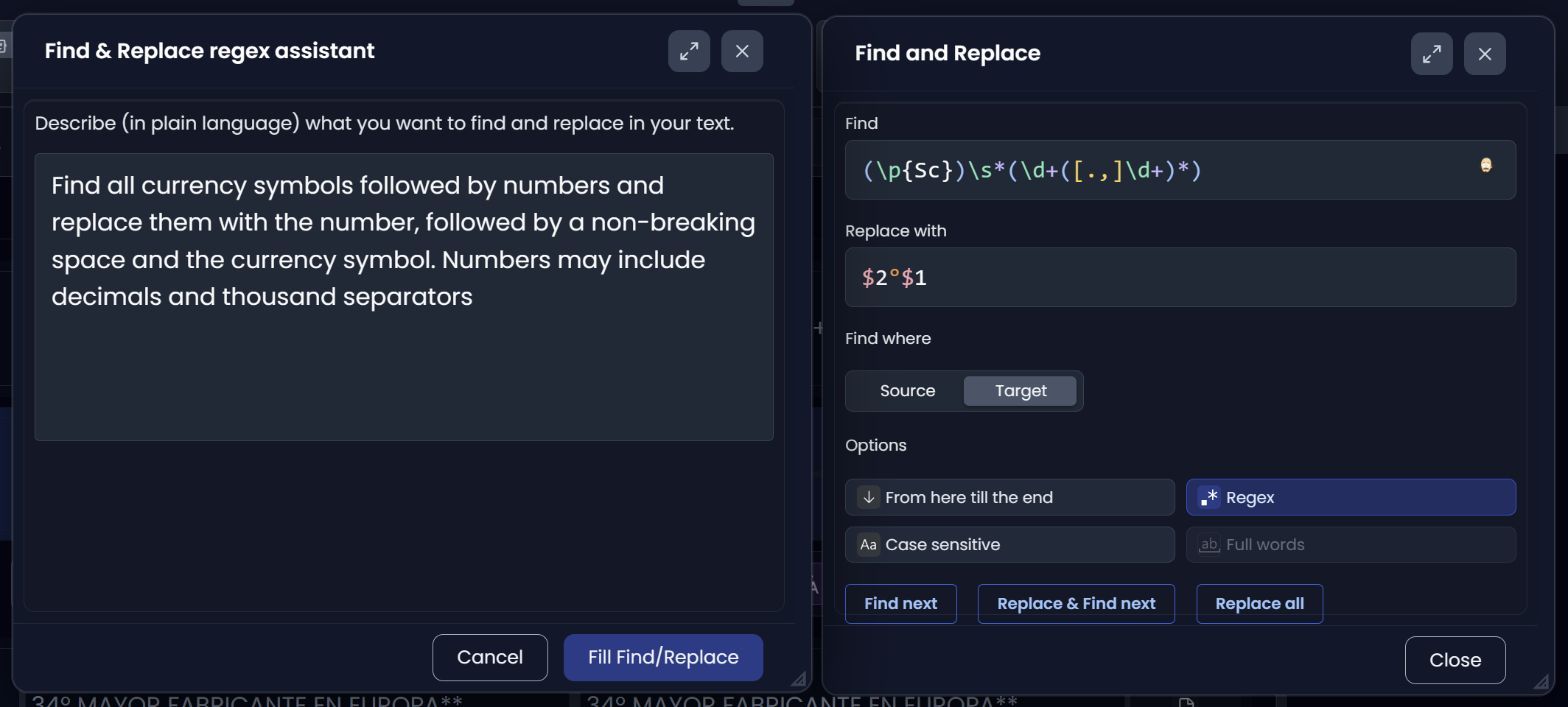
Searchspeare includes a regex assistant: describe what you want in plain language and it will propose the expression for you.
How to get great results from the assistant
When you write your request, include:
- What should match (give 1–2 concrete examples)
- What should NOT match (this is the secret sauce)
- Whether you care about whole words, case sensitivity, or start/end of segment
Examples of good prompts:
- “Match numbers with an optional decimal part (comma or dot), but don’t match years inside product codes.”
- “Match segments that start with ‘NOTE:’ or ‘WARNING:’, ignoring leading spaces.”
- “Match two or more consecutive spaces.”
Once the assistant proposes a pattern, you can still tweak it in the highlighted editor.
What regex is (in plain language)
Regex is a pattern language:
- It matches text.
- You can express “one or more digits”, “optional spaces”, “start of the segment”, etc.
- Once you can match what you want reliably, you can filter it or replace it.
The 10 building blocks you’ll use constantly
| Pattern | Meaning | Example use |
|---|---|---|
abc | literal text | find Version |
. | any character (except newline) | find A.B where . could be any char |
\d | a digit | find numbers |
\s | whitespace (space/tab, etc.) | find spacing issues |
[abc] | one of these characters | find colour/color-style variants |
[^abc] | anything except these characters | “not a digit”, “not punctuation”, etc. |
* + ? | 0+ / 1+ / 0 or 1 | optional pieces (s? matches s or nothing) |
{n,m} | between $n$ and $m$ times | “2+ spaces” as {2,} |
^ / $ | start / end of the segment | starts with NOTE: or ends with . |
| | OR (alternation) | match Mr|Mrs |
Notes:
- In Searchspeare you type regex normally, e.g.
\d+(you do not need to double-escape backslashes). - Regex is powerful, but it’s also easy to over-match. Test on a small set first.
Useful regex patterns for translators
Below are practical patterns that come up constantly in translation QA and cleanup.
Numbers
- Any integer:
\d+ - Integer or decimal (comma or dot):
\d+(?:[.,]\d+)? - A number token (safer inside text):
\b\d+(?:[.,]\d+)?\b
Use cases:
- Find segments containing numbers for careful review.
- Spot where numbers may have been dropped/changed.
Several spaces (or other repeated whitespace)
- Two or more spaces:
{2,} - Two or more whitespace characters (spaces/tabs):
\s{2,}
Use cases:
- Clean up copy/paste artifacts.
- Normalize spacing after edits.
Start of a segment / end of a segment
- Starts with
NOTE::^NOTE: - Starts with a dash (lists):
^\s*[-–—]\s+ - Ends with a period:
\.$ - Ends with any sentence punctuation:
[.!?]$
Use cases:
- Enforce formatting conventions (headings, warnings, list items).
- Find segments missing final punctuation (review carefully—headings are often valid without it).
Leading/trailing whitespace
- Leading whitespace:
^\s+ - Trailing whitespace:
\s+$
Use cases:
- Remove “invisible” errors that cause diff noise and QA warnings.
Common punctuation-spacing issues
- Space(s) before punctuation:
\s+([,.;:!?])- Useful for finding things like
word ,orword ..
- Useful for finding things like
- Missing space after punctuation (simple version):
([,.;:!?])([\p{L}\p{N}])- If your regex flavor supports Unicode properties (
\p{…}), this findsword,Next. - If not, a basic alternative is:
([,.;:!?])([A-Za-z0-9])
- If your regex flavor supports Unicode properties (
Use cases:
- Fix common typography issues introduced during fast editing.
Placeholders / variables (very common in UI strings)
Even when Searchspeare helps with tags, you may still need to locate variable-like patterns.
{0}/{1}style placeholders:\{\d+\}- Named placeholders like
{username}:\{[A-Za-z_][A-Za-z0-9_]*\} - Printf-style placeholders (
%s,%d, etc.):%[sdif]
Use cases:
- Review segments that contain placeholders to avoid breaking them.
Repeated words (optional, if supported)
Some regex engines support “backreferences” (reusing what was matched before).
- Duplicate word (e.g.
the the):\b(\w+)\s+\1\b
Use case:
- Catch copy/paste or dictation hiccups quickly.
Where to go next
- If your goal is bulk cleanup: Find & Replace
- If your goal is to narrow what you’re working on: Filtering segments