
Filtering segments
Filtering and Find/Replace solve different problems:
- Filtering decides which segments you are looking at and working on.
- Find & Replace edits text inside the segments you are currently working on.
In practice, you often use them together: filter down to the exact set of segments you care about, then run actions confidently knowing you won’t affect the rest.
Why filtering is so important
Filters let you create a “working set” of segments.
That matters because most bulk actions are applied to what you can see or what you selected. By filtering first, you can:
- Focus only on the segments that need attention (faster review passes)
- Run batch actions without touching unrelated segments
- Do quality checks (for example: “show me segments where the source contains X but the target does not”) and fix them in one pass
Three-state filters (include / exclude / off)
Searchspeare filters are powerful because each filter has three states:
- Off (default)
- Include (the filter is active)
- Exclude / NOT (negated)
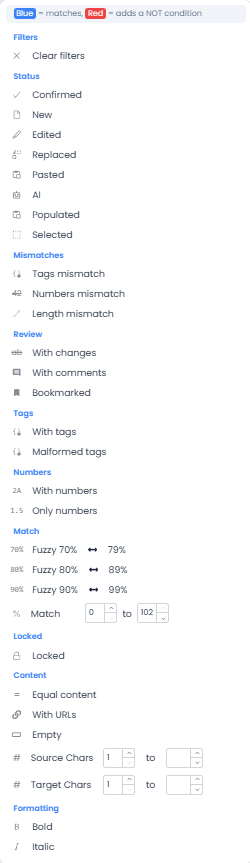
When a filter is shown in red, it means “NOT”: it excludes matches.


This enables combinations like:
- Filter Source by including a term
- Filter Target by excluding a term
That’s a great way to detect missing terminology or missing required words in translations.
Regex assistant for filtering (fast, even for complex patterns)
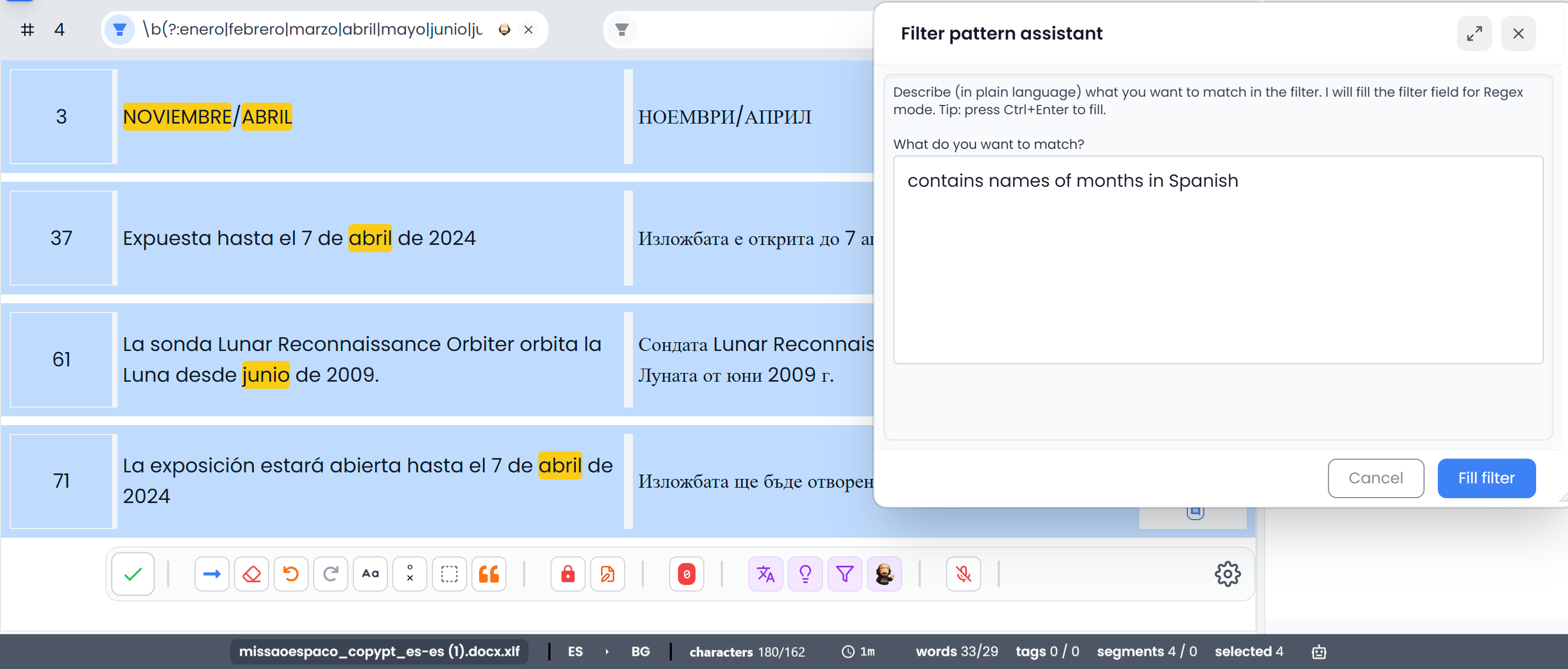
Filters can use regex, which is great when you need something precise (numbers, codes, formatting patterns, etc.).
If you’re new to regex (or want ready-to-copy patterns), see: Regex.
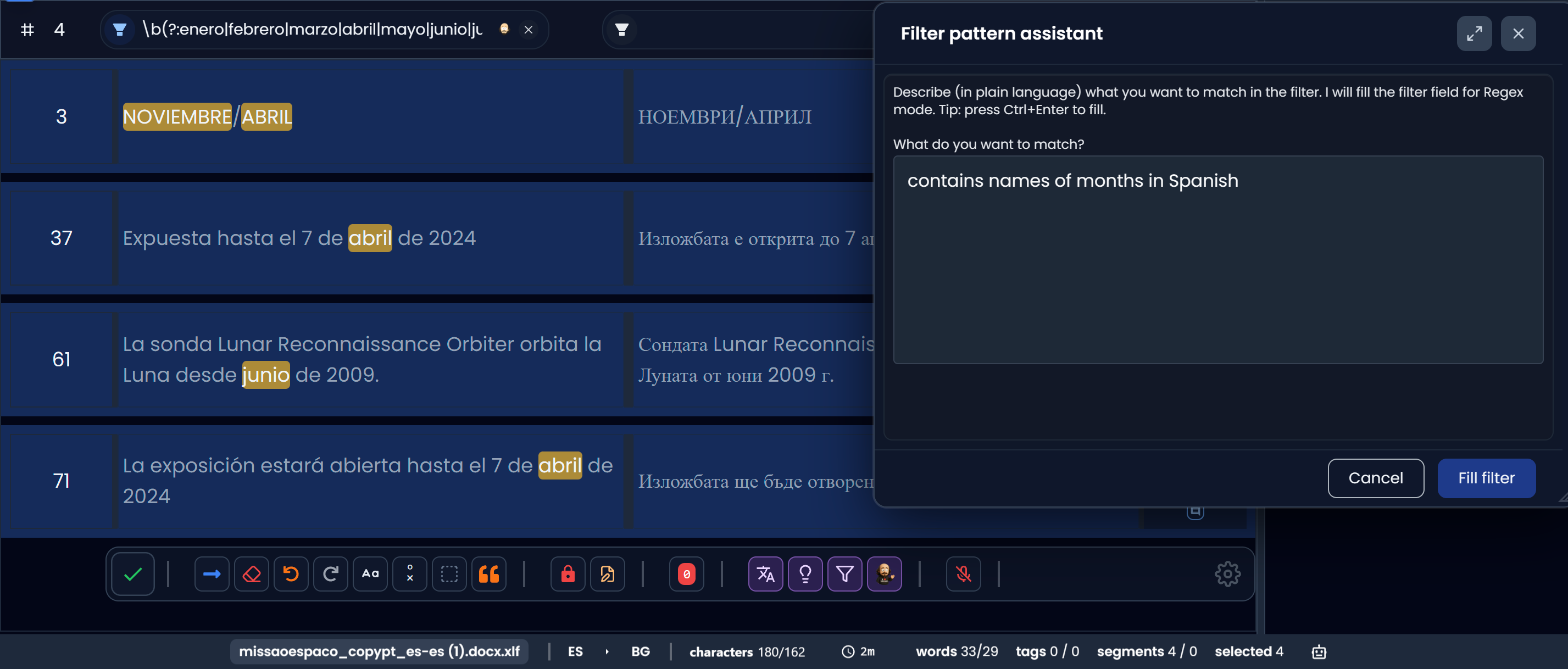
If writing regex feels tedious, Searchspeare can help: use the regex assistant to describe what you want in plain language and get the pattern instantly.
This makes building complex filter conditions super fast—without needing to be a regex expert.
Preset filter menu
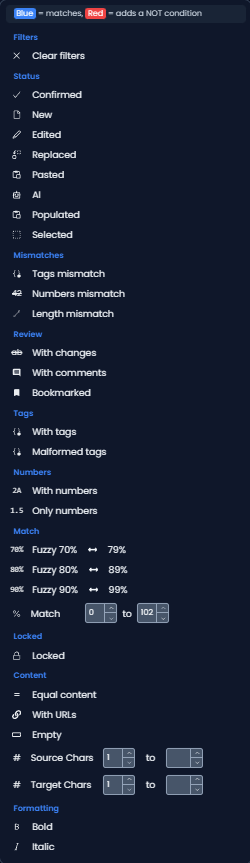
Searchspeare includes a rich set of preset filters grouped by purpose.
Status
Use these to focus on segments by workflow/edit state:
- Confirmed
- New
- Edited
- Replaced
- Pasted
- Populated
- Selected
Mismatches
Use these to surface “this will likely break export / needs attention” candidates:
- Tags mismatch
- Numbers mismatch
- Length mismatch
Review
Use these for review passes and triage:
- With changes
- With comments
- Bookmarked
Tags
Use these when your content contains inline tags:
- With tags
- Malformed tags
Numbers
Use these to isolate numeric-heavy content:
- With numbers
- Only numbers
Match
Use these to focus by match quality thresholds (fuzzy ranges):
- Fuzzy 70%
- Fuzzy 80%
- Fuzzy 90%
Locked
Use this to work specifically with segments that are locked/unlocked.
Content
Use these to spot special cases:
- Equal content (source and target match)
- With URLs
- Empty
- Source chars (filter by character count range)
- Target chars (filter by character count range)
Formatting
Use these to find segments containing formatting:
- Bold
- Italic