
Images & screenshots
This repository already contains a bunch of real screenshots and icons:
docs/public/images/(screenshots, often with a_darkvariant)docs/assets/(icons, favicons, etc.)
You can reference these directly from markdown using relative paths (Vite will process them).
Screenshots under docs/public/images/ can be referenced with stable, absolute URLs like /images/foo.png.
Example (from a page under docs/guide/):
- file:
docs/public/images/editor.png - usage in markdown:
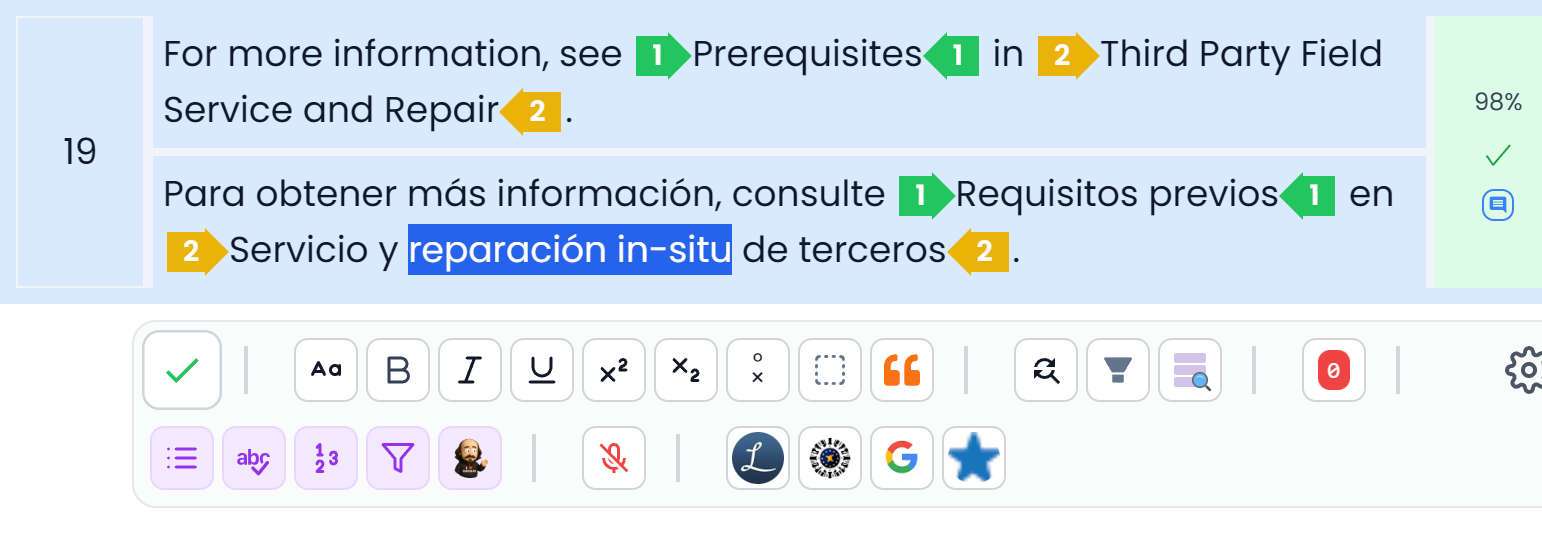
Light/dark screenshots
Many screenshots have both variants:
editor.pngeditor_dark.png
In this docs site you can render both and let CSS show the right one:

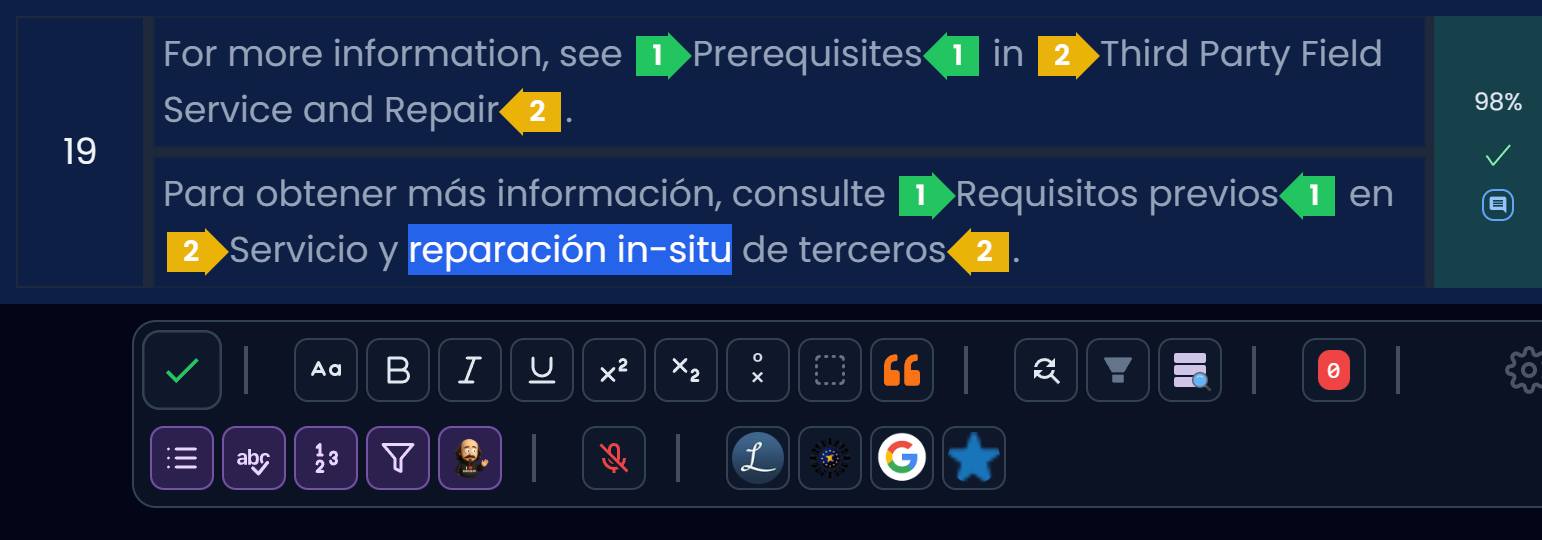
Tip: for real screenshots, prefer PNG/WebP.